Manager Platform Developer Account Creation
Note: The prerequisite for applying for a developer account is to obtain box data using an account to log in to the Manager platform.
一. Developer Account expiration date: Can be created permanently or with a limited expiration date.
一:In the following steps, it's recommended to use the web version of the Manager platform 。
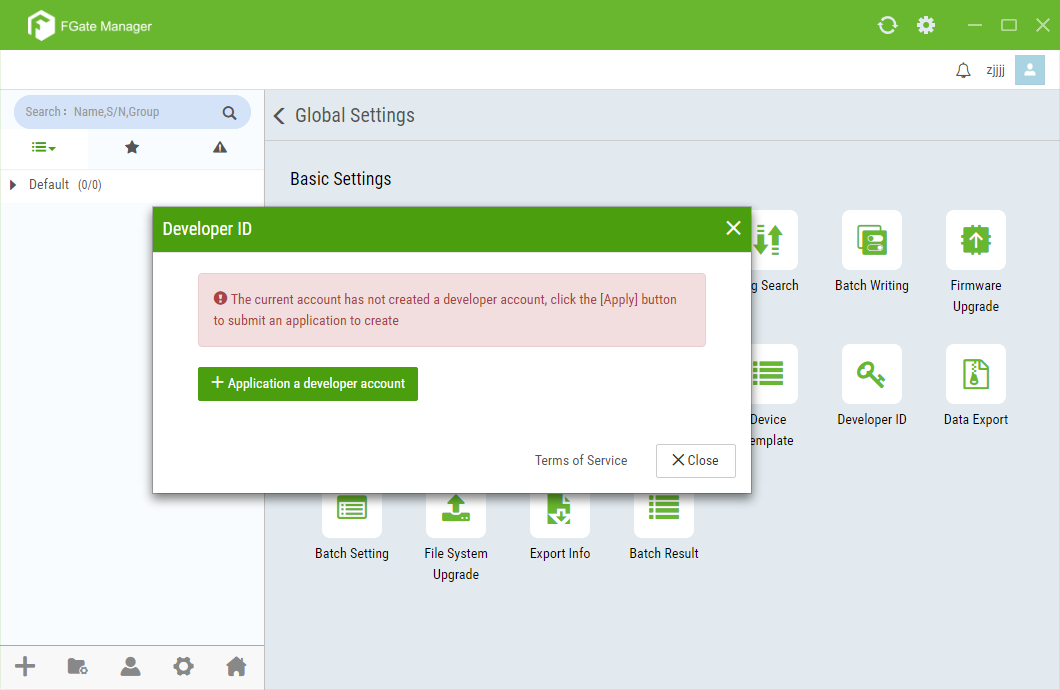
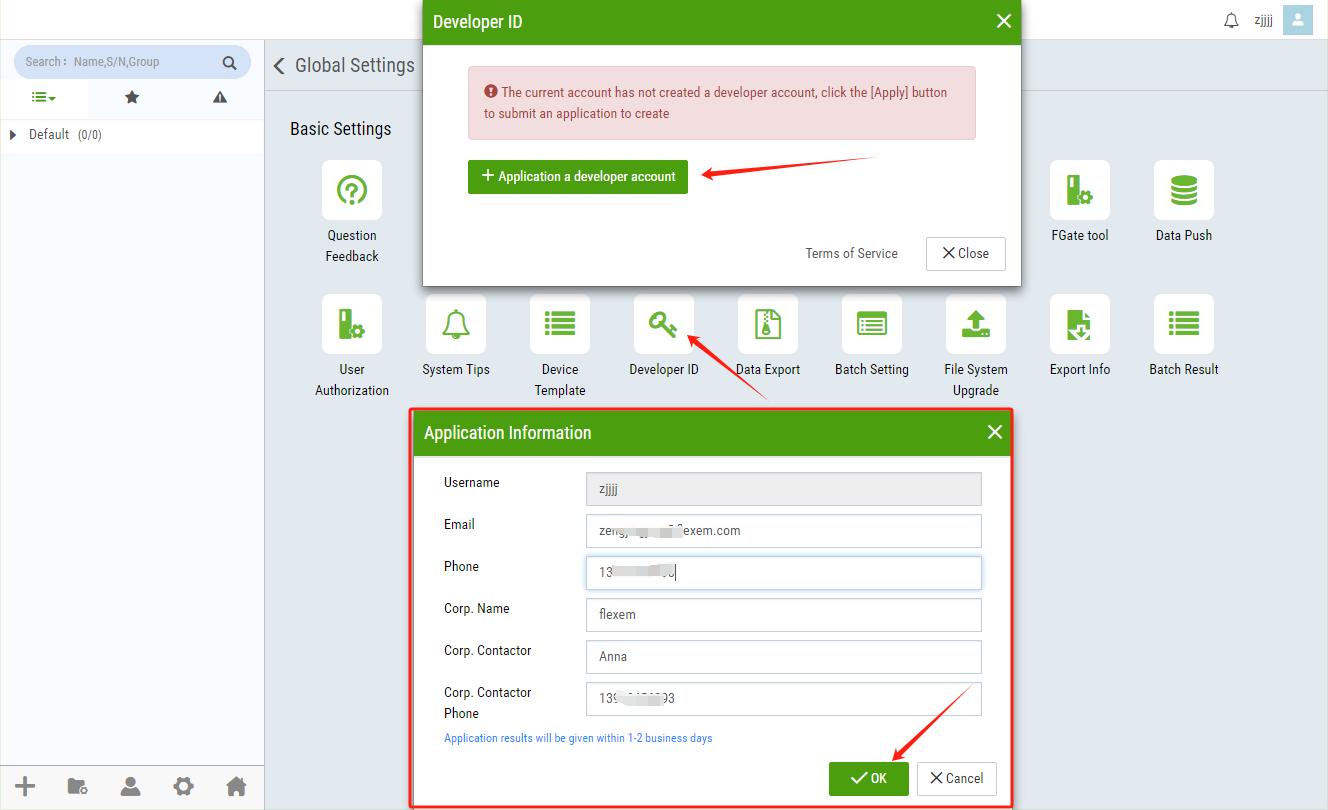
Log in to the Manager platform and click on "Apply for Developer Account".
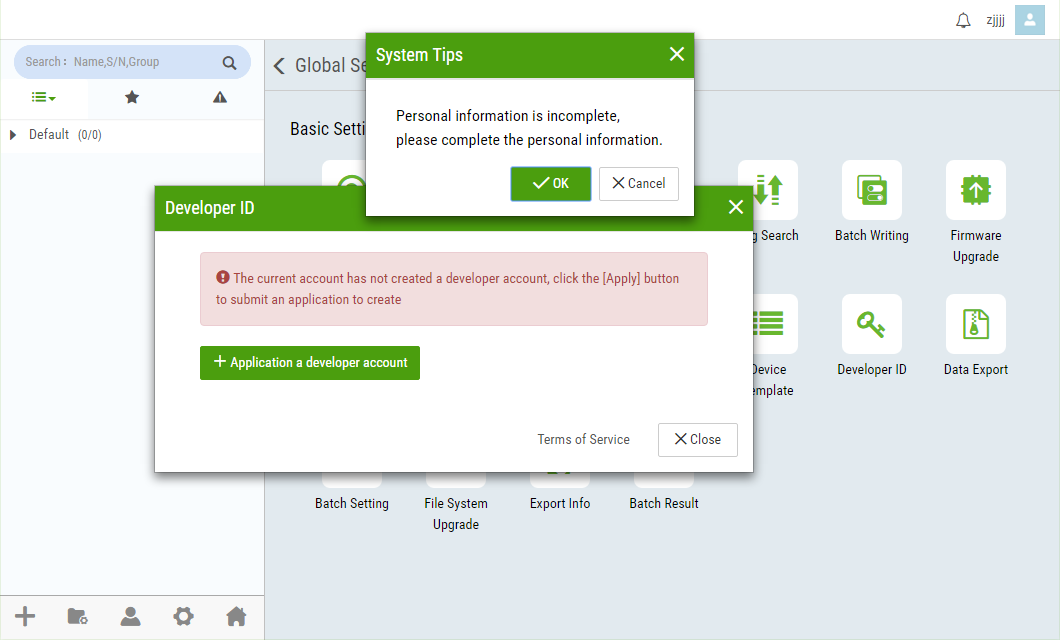
After completing the personal information, click "Confirm". Your application will then be under review by our personnel. Please be patient as the review process may take some time.
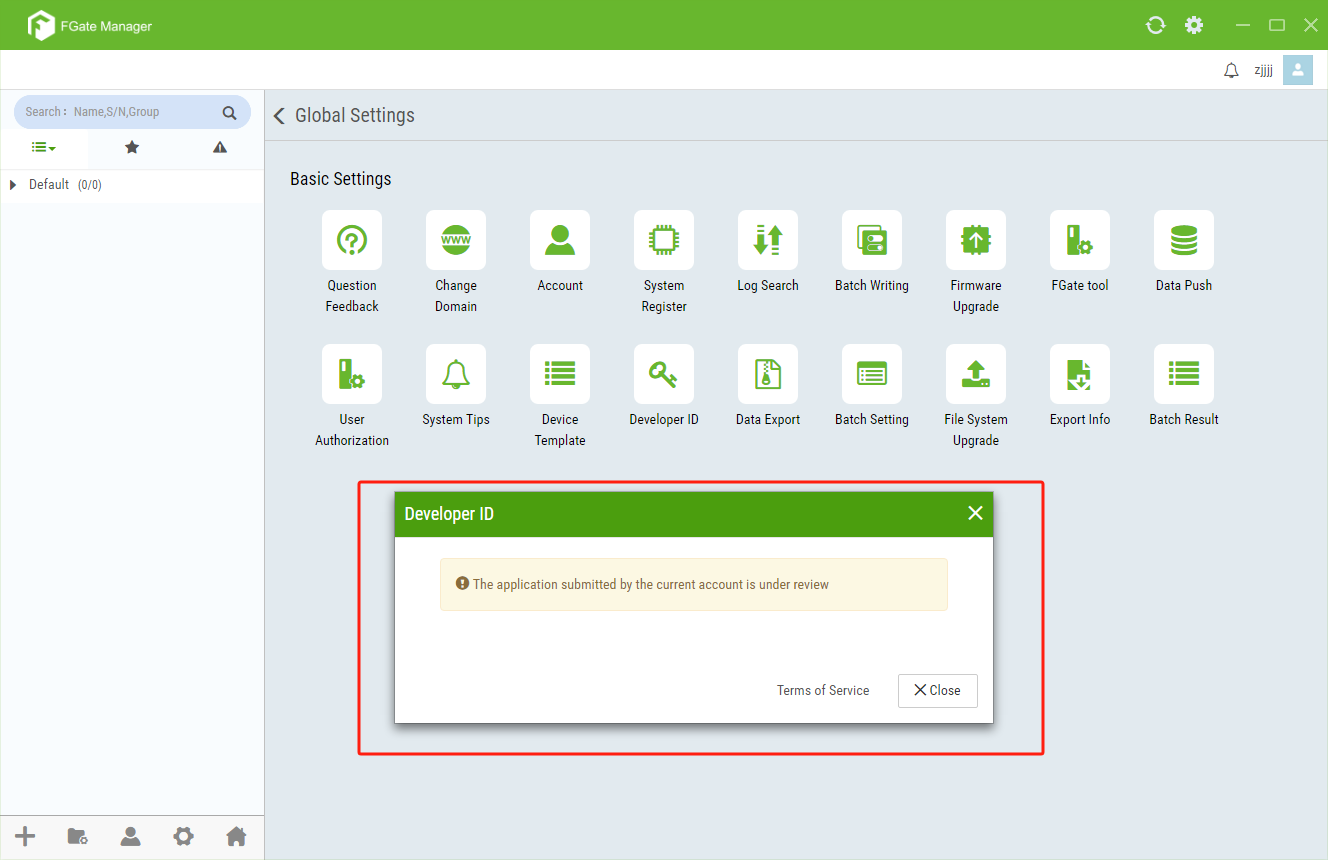
Note: If the review is successful, you can proceed with the steps shown in Step 3. If the review is unsuccessful, you will be provided with reasons for the failure. You can reapply for a developer account again after making the necessary modifications.
Once your application is approved, you can proceed to create a developer account.。
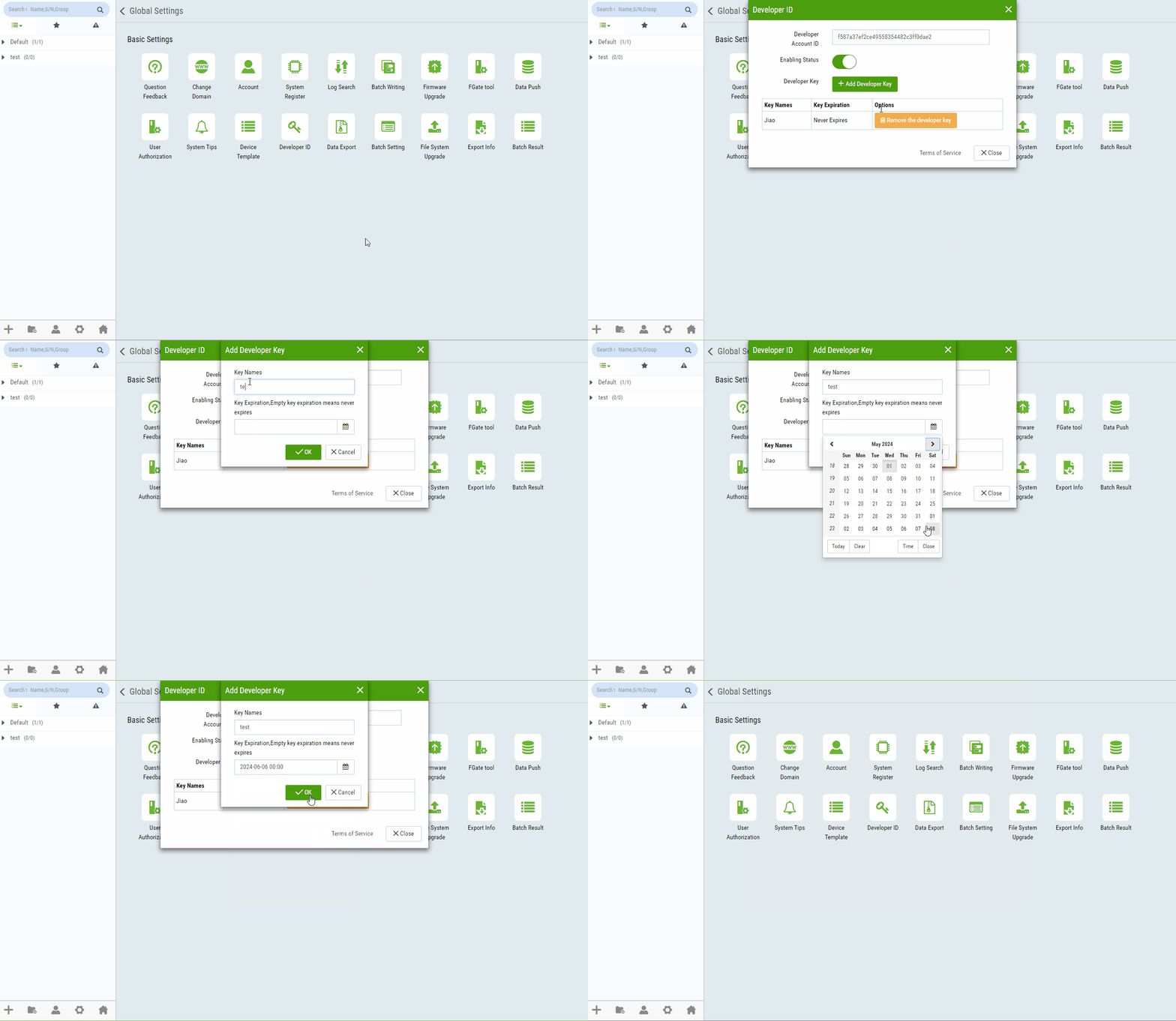
To create a developer account with unlimited expiration date, follow the steps in the following GIF.
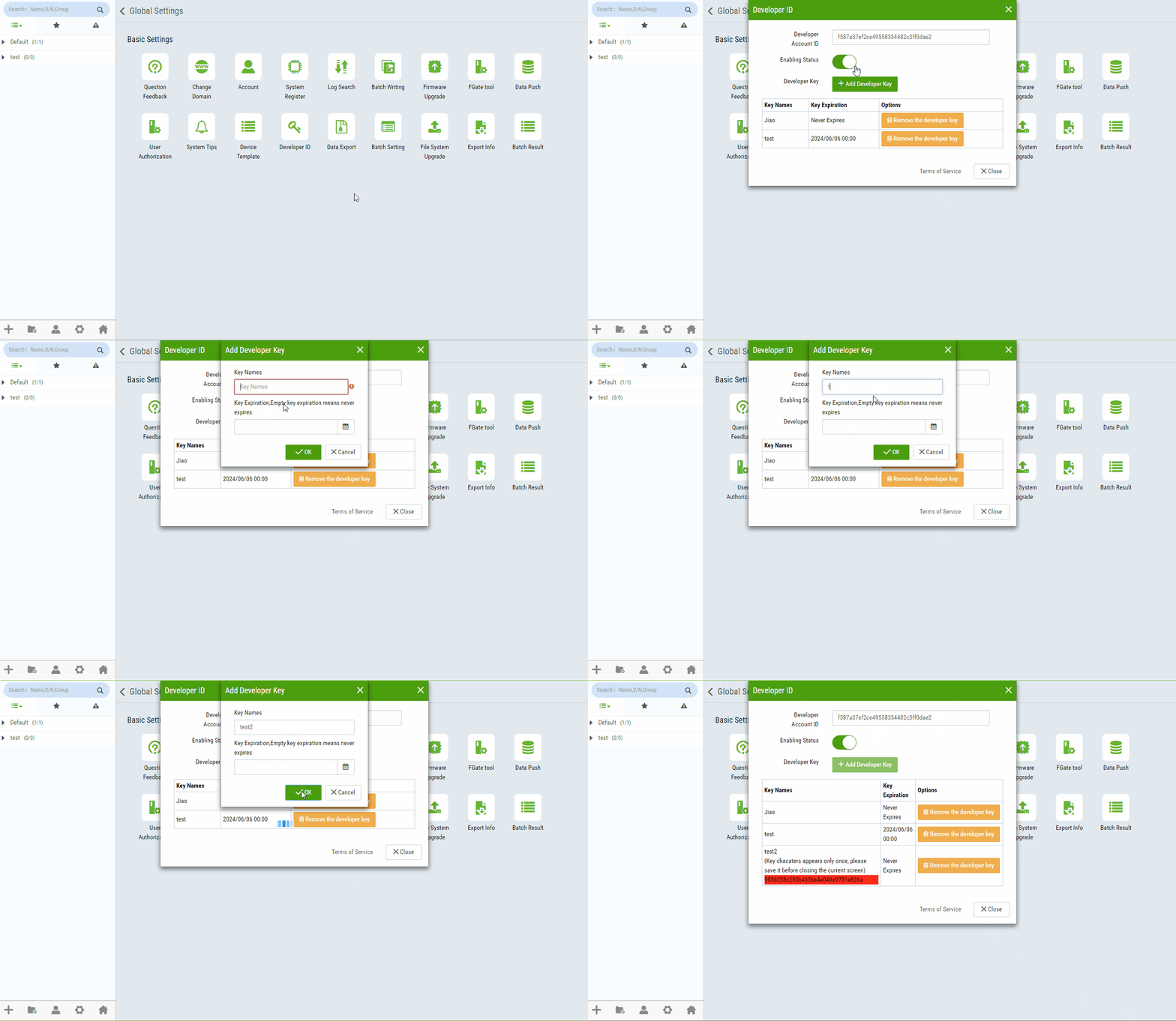
Note: The original text of the key will only be displayed once. Please make sure to save it properly. If you don't save it, you won't be able to view the original text of the created key again. You will need to delete the account and create a new one to generate a new key.